
How functions work on Workpeg
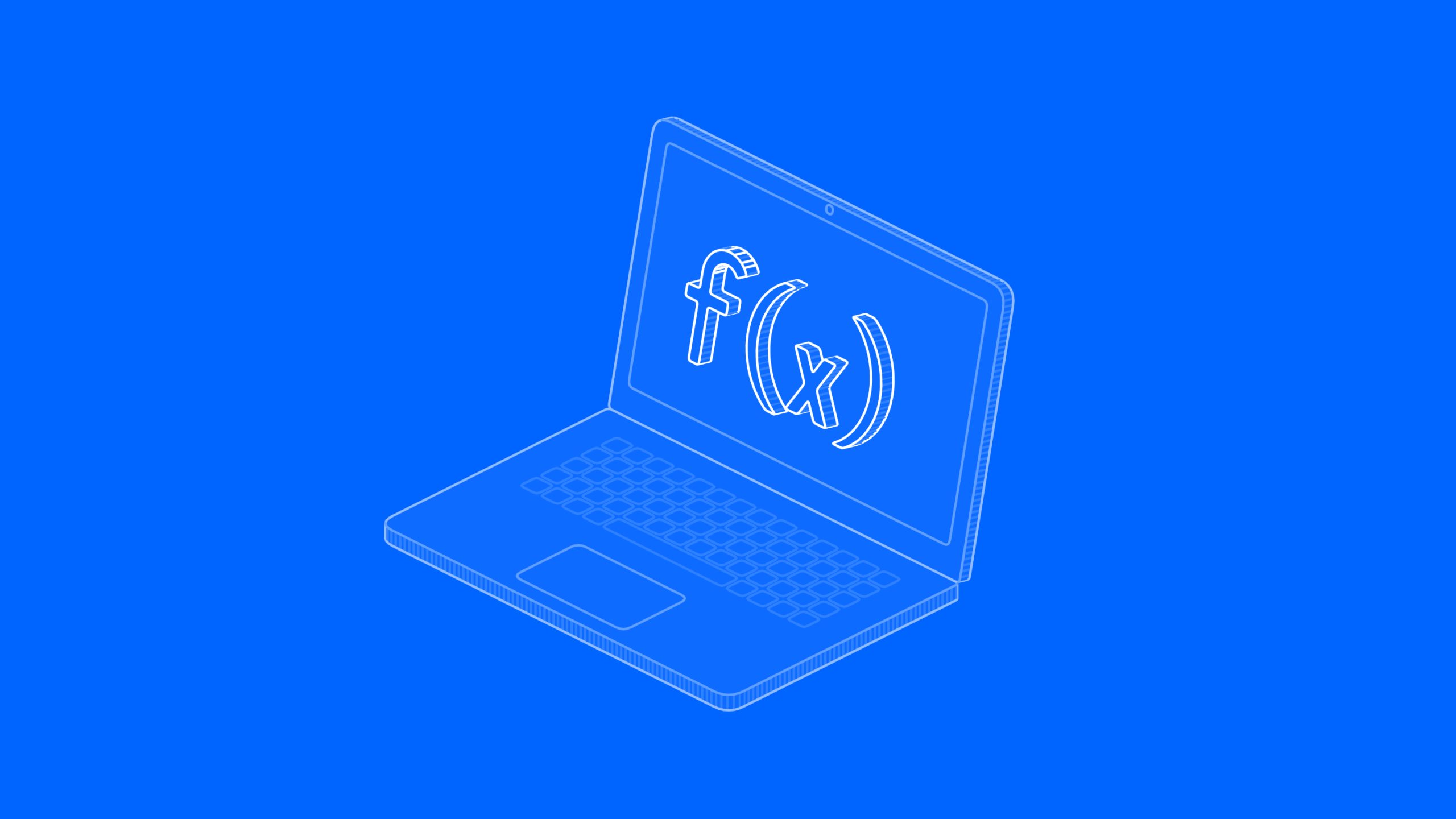
A peg is an app that runs inside Workpeg, and you write all of it in Python: the screens people use and the logic behind them. We call the logic a function. This post follows a function from the first line you write to the moment a business installs it, and shows where the screens fit along the way.
Two halves, both Python
workpeg project create my-peg gives you a folder with three things in it: ui/, function/ and a workpeg.json manifest that ties them together, plus a README and an AGENTS.md guide for coding agents.
The UI is a Python class with a build() method that returns widgets: a Scaffold with its sidebar, tables, forms, dialogs. You never write JavaScript, and the SDK gives you no way to: no API, flag or raw-HTML door. Workpeg’s compiler reads your Python and produces the page, together with the SDK’s own runtime and chrome, and every page carries a strict script policy that allows nothing else. Your page reads and writes the business’s tables through the workpeg.* helpers, as the person who is signed in, so it never handles a key.
The function is a Python file with one entry point, main(context, payload). It runs in its own container on the server side, for the work a page should not do: checking a row before it is saved, changing it, writing to other tables after a save, or calling an outside service. Each half can stand alone: a peg can be only a UI, only a function, or both.
How a function is called
A function never runs on its own. Workpeg calls it when something happens:
- A row is saved. A table can name your function as its pre-save hook, which sees the row before it is written and can change or refuse it, or its post-save hook, which runs after the save. A save from your page, from another peg or from a person all go through the same hook.
- Workpeg AI runs one of your peg’s actions. An action in your manifest is either a table operation, which Workpeg does itself as the person asking without calling your function, or a phase, and then Workpeg AI calls your released function, at the version the business installed, with the action’s name and arguments.
Each call is one HTTP request into your container with an envelope: context and payload (the row’s data, or the action’s arguments). What context holds depends on who called: a save through the Tables API sends the table, the person and the row’s metadata; a save by Workpeg AI sends the table’s id and actor: "agent"; an action sends its name, the table’s id and its phase. What main returns goes back to the platform: for a pre-save, it becomes the row that is saved.
The envelope also carries two values your function needs to call back into Workpeg: context["business"] and context["token"]. The token is minted for that one call, names the person whose save or request caused it, and expires after 15 minutes. In that business it reaches your peg’s own tables, search over them, and download links for files that person can read; nothing else:
import requests

def main(context, payload):
    token = context.get("token")
    business = context.get("business")
    headers = {"Authorization": f"Bearer {token}"}
    requests.post(
        f"https://api.workpeg.com/v1/businesses/{business}/tables/<table>/rows/",
        json={"data": {"title": payload["title"]}},
        headers=headers, timeout=10)
    return payload
There is no long-lived key for this. The key you generate in the developer dashboard is for submitting your peg and for running your dev function on your own computer; the Tables API refuses it. A function acts as a real person in a real business, never as “the peg”, so it can never do more than the person behind the call could do themselves.
Which version a save hook calls
A hook names an exact version. A table’s pre-save or post-save hook is a slug, custom.<peg>:<version>, for example custom.contacts:1.0.1, and your page sets it when it creates or updates the table.
On a save, Workpeg reads the peg and the version from the slug, finds that exact version installed in the business of the person who saved, and calls the container built for it. Nothing follows “latest”: a table hooked to 1.0.1 keeps calling 1.0.1 after 1.0.2 is approved. Moving a table to a new release means changing its hook to the new version, once that version is approved and installed.
On a dev page the slug must name your own peg, and the version is only a label: your computer always runs the code in your local function/ folder.
In production
When a business installs your peg, a Workpeg operator builds your function from the bundle you submitted, on Workpeg’s own servers, and starts it in a container that is fenced in on every side. One container serves every business that installed that version.
- It starts from the Workpeg function base. Your
DockerfilebeginsFROM registry.gitlab.com/workpeg/workpeg-sdk/pegfn-base:<version>: Python 3.12 with the SDK and its runtime already installed, built by our own release pipeline. Workpeg checks theDockerfilebefore building it and accepts only that base or an officialpythonimage, and only plain instructions. - The build has no network. No step can download anything. Your Python packages travel with the bundle in a
wheels/folder, filled with one command the template gives you. Runworkpeg function build --like-workpegbefore you submit: it builds the way Workpeg does, with no network, so a step that downloads fails on your computer first. - It runs isolated. Each peg’s containers sit on their own network, apart from every other peg and from the database. They run as a non-root user, with a read-only file system and no extra privileges. While it handles a call, your function can still make outbound requests to the services it needs.
- Only a reviewed version is built. Workpeg asks its registry whether that exact version was approved before building it, and refuses one that was not.
In development
You test both halves against the real platform, from your own computer, before anything is submitted.
workpeg project serve my-peg --fake-cloudRun it with your dashboard key in WORKPEG_PK. Before the first run, an owner or admin of your business presses Install for testing on the peg’s page in the developer dashboard. Then that one command does two things:
- It serves your page at
https://my-peg.dev.workpeg.com, built by the SDK from your Python and served only to your computer. You sign in as yourself, and the page works like a released one, with one difference: its tables live in a private test space of your business, never in your released peg’s tables. - It runs your function for your own saves. When you save a row on a hooked table from the dev page, Workpeg holds the call, and your computer collects it with your own key and runs the function in Docker. Nothing you are still writing runs on Workpeg’s servers, and Workpeg never connects to your laptop: your computer asks, Workpeg answers. Change the code and the next save runs the new version.
A teammate does the same with their own account and their own key from the developer dashboard, and their saves run on their own computer. To serve only the page, run workpeg ui serve ui --fake-cloud from the peg’s folder; --listen adds the function/ folder beside it. To try a function without any of this, workpeg function test runs it once offline, with the envelope the platform would send and a placeholder token, and prints its answer. Nothing is sent anywhere.
Dev pages run only in a business marked as a developer, which happens when its first peg is approved. Use a separate Workpeg account for development: a dev page acts with that account’s real access.
Submitting, review and publishing
Your function reaches the registry with one command, run from its function/ folder with your key in WORKPEG_PK, and the branch you name says what the upload is for:
workpeg function submit 1.2.0        # goes to the dev branch
workpeg function submit main:1.2.0 # submits 1.2.0 for releasedevis the default. Once your peg is approved, upload dev versions as often as you like; a dev version is for development only. It is never reviewed, installed or run on Workpeg.mainis the release. Eachmainversion goes to review on its own, not just your peg once. A reviewer approves or rejects that exact version, and the registry records the bundle’s sha256 at upload and shows it to the reviewer. The same version can’t be uploaded twice to a branch: a change needs a new version.- Workpeg builds the function that goes live. Approval clears a version to be installed, and Workpeg builds its container from the bundle you submitted, with no network, when a business installs it. No image you built yourself ever runs on Workpeg. Your page is different today: it is still compiled on your own computer and uploaded. The coming
workpeg project submit, below, will hand Workpeg the page’s Python too, so Workpeg builds both.
submit checks your bundle the way the install will, before anything is uploaded: the base image, the Dockerfile‘s instructions, and that workpeg.json names no image of its own. A mistake shows up in your terminal, with the reason and, for the Dockerfile, the line, rather than later at install.
What comes next
Today a dev function runs only while its developer’s computer is on, and only for that person’s own saves. The next step is our function engine: each call in its own small virtual machine, isolated from everything else, so a dev version can be tried by a whole team and a released one can scale without a container per peg. We are also building workpeg project submit, which hands Workpeg the whole peg, page and function, as one reviewed version, and looking at functions that run on a schedule.
To start, install the SDK with pip install workpeg, run workpeg project create my-peg, and read the functions guide and the function base image pages.
-
How People Actually Use AI at Work
AI has become part of everyday work. People use it to write emails, summarise documents, generate ideas, analyse information, write code, and get through tasks that would otherwise take longer.But there’s a…
-
AI Doesn’t Need More Tools. It Needs Somewhere to Work.
AI has gotten very good at talking about work. It can draft the email, summarize the thread, suggest the next step, and even tell you what to do next. Then it stops.…
-
10 Signs Your Team Is Using Too Many Tools to Get Work Done
In today’s workplace, having “just one more tool” can feel like a productivity hack until it’s not. From Slack to Trello, Notion to Google Docs, we pile on platforms to help us…
